Introduction
The Apple Watch has transformed the wearable device market with each new feature expanding its capabilities. A significant enhancement is the addition of a keyboard, allowing users to type directly on their watch. This functionality opens up a new world of interaction, merging convenience with advanced tech. In this guide, we will explore which Apple Watch models include a keyboard, how third-party apps can enhance typing on different models, and offer tips for maximizing the typing experience.
The Evolution of the Apple Watch Keyboard
Understanding the development of Apple Watch keyboards sheds light on their current capabilities and future potential. Initially, Apple Watches relied on voice dictation or the Scribble feature to communicate. With the Series 7, Apple introduced its first native keyboard, providing users with a tangible way to type.
This launch was pivotal, setting a new standard for smartwatches. The Series 7 offered a full QWERTY keyboard, distinguishing it from its predecessors. This feature enhanced the way people utilized their watches, marking a shift towards more direct interaction.
Apple Watches with Built-in Keyboard Features
With each new series, Apple has optimized this keyboard function, improving ease of use and integration with other features.
Series 7: The First with a Native Keyboard
When the Series 7 hit the market, it introduced a QWERTY keyboard that allowed users to type messages conveniently. The innovative design enabled both tap and swipe actions, making it versatile for different typing preferences. The keyboard’s precision and integration into the Apple ecosystem marked a step forward in what users could expect from their wearables.
Series 8: Enhancements and Improvements
The Series 8 refined the keyboard experience with more responsive keys and advanced predictive text. Apple enhanced touch sensitivity to minimize typing errors and boost user satisfaction. These improvements made communication even smoother, ensuring the keyboard could be effectively used in real-time applications.
Series 9: What’s New in 2024?
In 2024, the Series 9 set new standards with refined keyboard functions. The quick access to emojis and intricate characters made this iteration the most polished yet. By seamlessly integrating with other apps, users experienced an effortless transition when conducting activities like texting or emailing from their wrists.
Third-Party Keyboard Apps for Apple Watch
Even with the advancement of native keyboards, third-party apps continue providing solutions for users with older models.
Popular Third-Party Apps to Consider
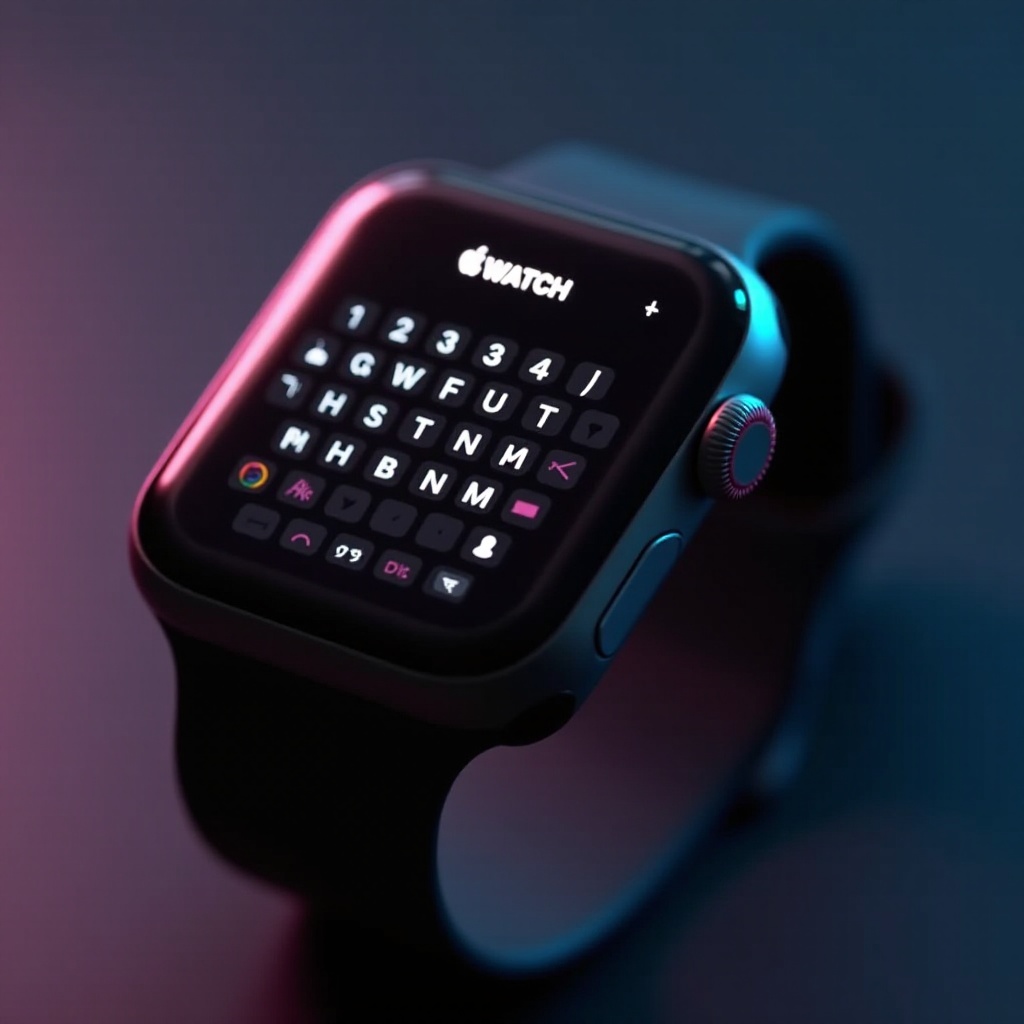
For users whose Apple Watches do not come with a built-in keyboard, third-party apps such as FlickType and WatchKey offer viable options. FlickType is favored for its intuitive design, allowing tap and swipe motions with highly accurate predictive text. WatchKey appeals to a broader audience with varied keyboard styles and language support.
Installation and Setup Tips
To use these apps:
- Download from the App Store on your iPhone.
- Sync the app with your Apple Watch by following on-screen instructions.
- Customize settings such as language preferences and key size.
These easy steps enable older Apple Watch models to have keyboard functionality, enhancing their utility.
User Experience and Practical Scenarios
The introduction of a keyboard transforms how users handle tasks on their Apple Watch, whether it’s for swift communication or productivity.
Typing on the Go: Messaging and Emails
With the keyboard, replying to messages or emails becomes quick and efficient. When a phone isn’t handy, the watch can handle immediate communications. This added convenience is particularly helpful in scenarios like business meetings or public transportation.
Best Practices for Efficient Typing
Maximize keyboard use by:
- Taking advantage of predictive text and auto-correction.
- Practicing to enhance speed and familiarity.
- Pairing the keyboard with voice dictation for longer messages.
Implementing these strategies ensures a balanced and proficient typing experience, leveraging the full capabilities of the Apple Watch.
Alternatives to Keyboard Input
While a keyboard adds substantial convenience, Apple also includes robust alternatives.
Voice-to-Text Features
Voice-to-text functionality remains a fast option for inputting longer communications. Simply speaking commands or messages makes the watch a versatile tool.
Scribble Functionality
For succinct messages, Scribble translates written letters into digital text, offering a reliable backup to the keyboard. This method is often preferred for short responses or when precision is critical.
Buying Guide: Which Apple Watch is Right for You?
When selecting an Apple Watch, consider what functionalities you prioritize beyond the keyboard.
Key Considerations Beyond the Keyboard
Focus on factors such as:
- Battery Life: Longer battery life means extended usage throughout the day.
- Health and Fitness Features: Advanced monitoring features are essential for maintaining wellness.
- Budget: Ensure the chosen model aligns with financial expectations.
Comparing Features Across Models
Evaluate the specifications of the Series 7, 8, and 9, ensuring they align with your lifestyle requirements and expectations.
Conclusion
The Apple Watch’s evolving keyboard feature bolsters its position as a premier wearable device, facilitating easier communication and improving overall usability. Whether equipped with the native keyboard of newer models or applications on older ones, users can significantly benefit from this enhancement in daily activities.
Frequently Asked Questions
Can all Apple Watch models use keyboard apps?
Yes, most Apple Watch models can utilize keyboard apps, although the experience may vary depending on each device’s hardware and software capabilities.
How accurate is the Apple Watch keyboard for typing?
With refinements such as improved predictive text and touch sensitivity, recent models like Series 8 and 9 offer highly accurate typing experiences.
What are the benefits of a keyboard on a smartwatch?
A keyboard allows for direct communication from the wrist, quick responses, and eliminates the need to always rely on larger devices for typing tasks.