
Why Your Brother Printer Won’t Turn On and How to Fix It
A Brother printer that refuses to power on can disrupt your workflow, be it at home or the office. Identifying the causes and troubleshooting the problem effectively can get your tasks back on track. This comprehensive guide offers detailed diagnostic steps and solutions to resolve your Brother printer issue, minimizing downtime and frustration.
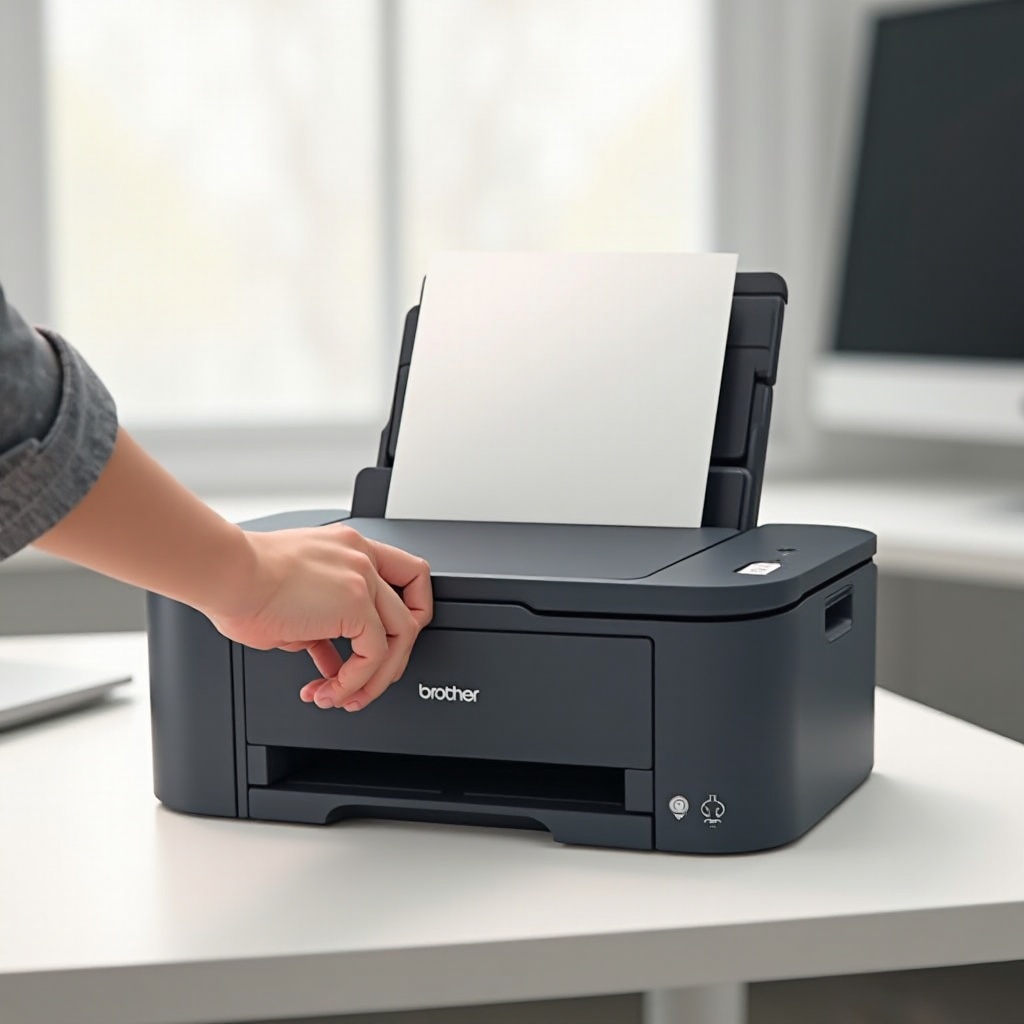
Initial Troubleshooting Steps
Before considering major repairs, start with basic troubleshooting. These simple tests might save you from the hassle of more complex solutions or professional assistance.
-
Check the Power Supply
Ensure your printer is plugged into a working outlet. Test the outlet by connecting another device to verify its functionality.
-
Ensure Proper Cable Connections
Verify all cables are securely connected. Review both the power and any USB or network cables for proper connectivity.
-
Verify the Power Button Functionality
Press the power button firmly and confirm it’s operating as expected. A stuck or unresponsive button might require a little extra pressure.
With initial checks completed, you may proceed to inspect specific hardware components if these steps do not resolve the issue.
Inspecting Hardware and Components
When simpler troubleshooting steps fail, delve into the internal aspects of your printer. Physical issues can often be the underlying cause when your printer won’t turn on.
-
Examine the Power Supply Unit
Inspect your power supply unit for any signs of damage or aging. Replacing it with a spare unit can help identify if it’s causing the problem.
-
Assess Internal Cables and Connections
If safe to do so, open your printer to check internal cables. Ensure all wires are properly connected.
-
Check for Physical Damage
Inspect your printer for any physical damage that could impact functionality, like broken parts or scorching from a potential electrical fault.
Hardware issues, once identified, might require part replacements. Nonetheless, if the problem remains elusive, software solutions might provide an answer.
Software and Firmware Solutions
If hardware components appear intact, your printer’s issue might be software-related. Addressing these can reboot your printer back to life.
-
Update Printer Firmware
Ensure your printer’s firmware is current. Connect the device to your computer to check for updates and follow the instructions to install the latest version.
-
Reset Printer Settings
Perform a reset to shift all settings back to factory defaults. Check the user manual for specific reset instructions for your model.
-
Check for Error Messages
Use the accompanying software to scan for error codes, which might offer clues to the printer’s operating issues.
Resolving software mishaps may coax your device back into working order. If not, consulting a specialist can be a prudent move.
When to Seek Professional Assistance
If troubleshooting does not lead to a solution, professional support could be necessary. Experts can diagnose and resolve complicated issues.
-
Contacting Brother Support
Brother’s support team can provide guidance or service arrangements. Depending on your issue, they might suggest sending the printer to a repair center.
-
Understanding Warranty Options
Confirm your printer’s warranty status. Coverage can alleviate repair or replacement costs, so review your warranty terms to understand its scope.
Relying on professional services can safeguard your printer from further damage while ensuring a permanent fix.
Conclusion
While a non-functional Brother printer is inconvenient, a structured approach to troubleshooting can help in identifying and rectifying the issue. From power sources and hardware inspections to software solutions, each methodology enhances your chances of autonomous resolution. If all else fails, seeking professional assistance ensures responsible handling and precise repair of your printer.
Frequently Asked Questions
What should I do if my Brother printer powers on but doesn’t print?
Check ink or toner levels. Ensure proper connection to your computer and that drivers are current.
How can I reset my Brother printer’s firmware?
Consult your printer’s manual for reset instructions, often involving specific button sequences.
Is it safe to attempt internal repairs on my printer?
Do not perform internal repairs if the printer is under warranty. Consider your technical skills and warranty status before proceeding.