Introduction
Affordable editing laptops are indispensable for students, freelance professionals, and content creators who need powerful performance without overspending. This guide explores key considerations for selecting an affordable editing laptop in 2024 and highlights top recommendations that excel in video and photo editing.
What to Look for in an Affordable Editing Laptop
The market is flooded with options, making it challenging to select the right editing laptop. By focusing on essential specifications, you can find a device that meets your needs without breaking the bank.
-
Processing Power and CPU Requirements: The CPU is the heart of your laptop. Opt for a multi-core processor like Intel’s i5 or AMD’s Ryzen 5 to handle demanding software efficiently. A strong CPU ensures quick rendering and seamless multitasking.
-
Importance of RAM in Editing: RAM is crucial for managing multiple applications. For effective video and photo editing, aim for at least 8GB of RAM, enabling smoother performance during complex tasks.
-
Graphics Card Considerations: While the CPU handles various tasks, a dedicated GPU significantly boosts video rendering speeds. Laptops with NVIDIA GTX or AMD Radeon series are ideal for optimal performance.
-
Storage Solutions: SSD vs. HDD: SSDs are faster and more reliable compared to HDDs. Choose laptops with SSD storage to decrease load times and improve overall device responsiveness.
-
Display Quality and Resolution: Accurate color reproduction is vital for editing work. Laptops with at least full HD (1920×1080) resolution and IPS panels offer better color accuracy and viewing angles.
Understanding these specifications ensures your laptop is equipped for all editing tasks. Now, let’s dive into the top budget-friendly options available this year.
Top 5 Affordable Editing Laptops of 2024
Carefully analyzing the marketplace and considering key specifications leads us to these top five affordable editing laptops for video and photo enthusiasts in 2024.
- Laptop 1: Dell Inspiron 15:
- Features: Intel i5 processor, 8GB RAM, NVIDIA GTX 1650, 256GB SSD, 15.6-inch full HD display.
- Pros: Reliable performance, solid build, good battery life.
-
Cons: Limited SSD storage space.
-
Laptop 2: Lenovo IdeaPad L340:
- Features: AMD Ryzen 5, 12GB RAM, AMD Radeon Vega 8, 512GB SSD, 15.6-inch IPS display.
- Pros: Excellent cost-performance ratio, high RAM.
-
Cons: Display brightness could be improved.
-
Laptop 3: HP Pavilion x360:
- Features: 10th Gen Intel i5, 8GB RAM, Intel Iris Xe Graphics, 256GB SSD, 14-inch touchscreen display.
- Pros: Convertible design, vibrant display.
-
Cons: Moderate graphics performance.
-
Laptop 4: ASUS Vivobook 15:
- Features: Intel i5, 8GB RAM, NVIDIA MX250, 512GB SSD, 15.6-inch full HD display.
- Pros: Lightweight, substantial SSD storage.
-
Cons: Average battery life.
-
Laptop 5: Acer Aspire 5:
- Features: AMD Ryzen 7, 16GB RAM, NVIDIA GTX 1050, 256GB SSD, 15.6-inch IPS display.
- Pros: Strong performance, excellent for multitasking.
- Cons: Primary storage may require upgrading.
These laptops provide excellent performance while ensuring good value for money. However, choosing the best one involves understanding both short-term needs and long-term usage scenarios. Let’s explore some additional considerations.
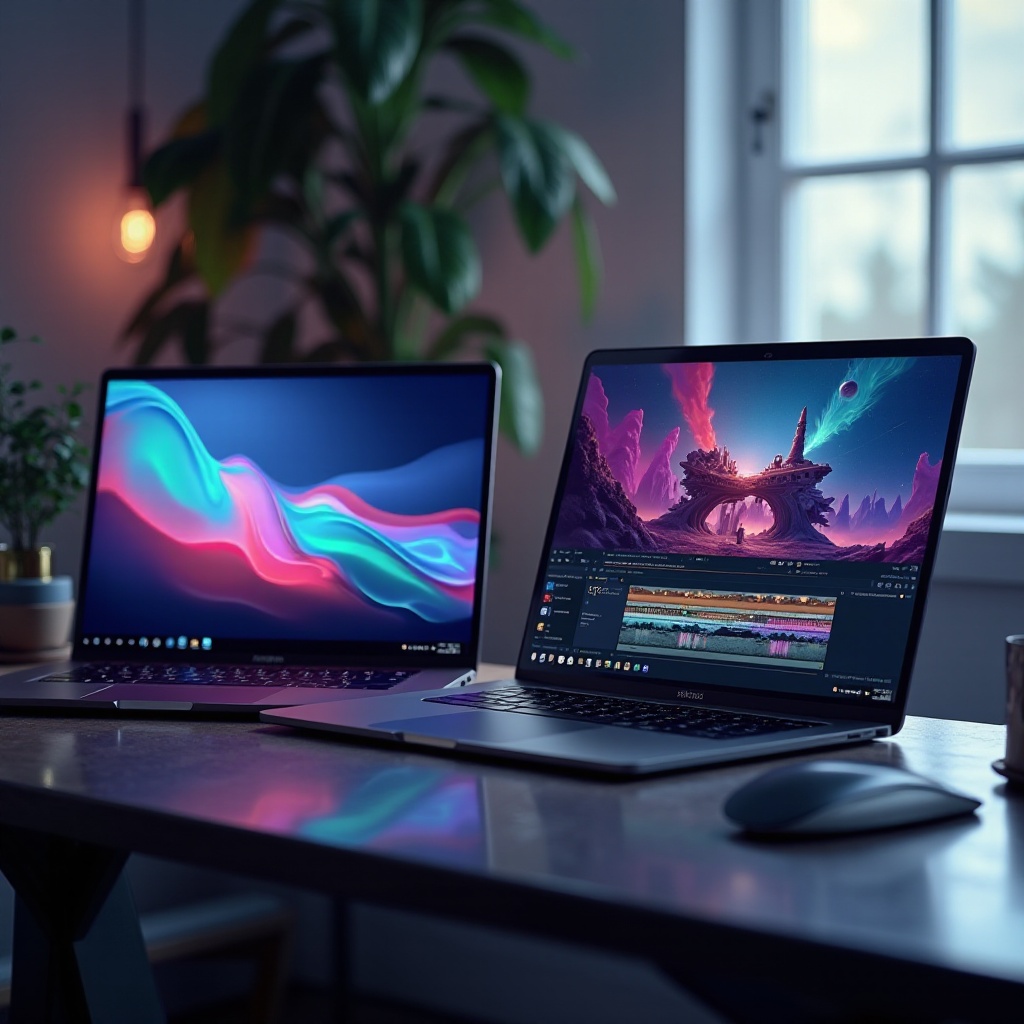
Additional Tips for Choosing the Right Editing Laptop
Choosing the right laptop isn’t just about immediate performance. It’s also essential to consider how your laptop can meet future needs.
-
Consider Future-proofing: Whether through upgradeable components or long-lasting performance features, ensuring your device remains functional for a longer period is a smart investment.
-
Upgrade Options: Some models offer easy access to internal components, allowing you to enhance capabilities like RAM and storage over time.
Integrating these considerations into your decision making will enhance the utility and lifespan of your device. However, it’s also important to understand the pros and cons associated with budget-friendly editing laptops.
The Pros and Cons of Budget-friendly Editing Laptops
Affordable editing laptops strive to balance performance and price, though a few trade-offs are worth noting.
- Common Trade-offs in Budget Models:
- Lack of high-end features and superior build quality.
- Vulnerable to thermal throttling under heavy workloads due to limited cooling.
-
Shorter battery life, mainly because of power-hungry processors.
-
How to Make Compromises Without Sacrificing Much:
- Prioritize features essential for your tasks, like display quality and storage capacity.
- Consider refurbished or on-sale models for better specifications at reduced costs.
Understanding these factors aids in making informed decisions, enabling you to choose a laptop suited for editing needs while staying within budget.
Conclusion
In selecting an affordable editing laptop, focus on both understanding your specific needs and examining available options. By highlighting essential specifications and prioritizing features, you can find a device that meets both performance expectations and budget constraints. Equip yourself with a suitable tool and venture confidently into the world of creativity.
Frequently Asked Questions
What is the minimum RAM required for editing laptops?
8GB RAM is recommended for photo editing, while video editing may benefit from 16GB or more for optimal multitasking.
Can affordable laptops handle video editing software efficiently?
Yes, many budget laptops can handle popular video editing software if they have suitable CPUs, GPUs, and adequate RAM.
How important is the GPU for photo and video editing tasks?
A dedicated GPU can significantly enhance rendering speeds, making it essential for smooth video editing and high-resolution photo work.