Introduction
Looking to build a high-performance yet compact PC? Mini ITX motherboards with Thunderbolt are your go-to solution. These motherboards combine small form factors with advanced connectivity and robust performance. Ideal for tech enthusiasts, gamers, and creative professionals, they offer efficiency without sacrificing power. In this guide, we explore key features, top models for 2024, and essential tips for building your compact powerhouse.
Understanding Mini ITX Motherboards with Thunderbolt
Mini ITX motherboards bridge the gap between size and performance. But how do they achieve this balance with Thunderbolt technology?
What is a Mini ITX Motherboard?
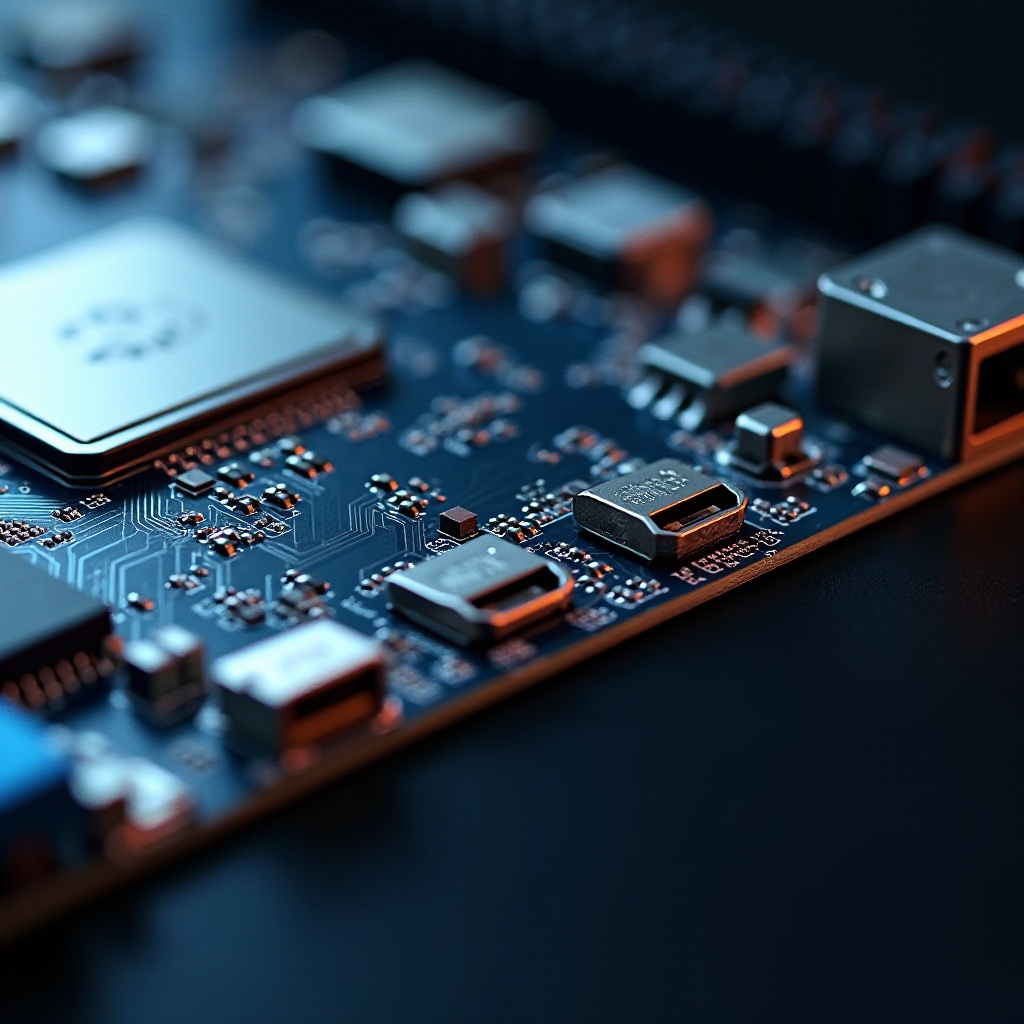
A mini ITX motherboard is a compact form factor designed for efficiency in small spaces. Measuring only 6.7 inches square, it fits into various compact PC cases, offering performance without taking up much room. They are versatile enough for home theaters, gaming stations, or office setups.
The Role of Thunderbolt in Modern PCs
Thunderbolt technology elevates PC connectivity. It allows for high-speed data transfer, delivers high-definition video output, and supports power delivery in one streamlined connection. Think of it as a multi-tool for connecting your devices, from data-heavy external hard drives to multiple display monitors.
Why Choose Thunderbolt Technology?
Adopting Thunderbolt-equipped motherboards means faster data transfers, flexible device connectivity, and support for multi-monitor setups. It’s indispensable for professionals handling sizeable digital projects, gamers needing lag-free performance, or anyone requiring numerous high-bandwidth connections.
Key Features of Mini ITX Motherboards with Thunderbolt
Recognizing the key features of these motherboards helps in making informed buying decisions. Here’s what they bring to the table:
Space-Saving Advantages
Despite their compact size, mini ITX motherboards pack a lot of power, making them perfect for setups where space is a constraint, like small home offices or living room entertainment systems.
Enhanced Connectivity Options
With Thunderbolt, connectivity leaves nothing to be desired. You can seamlessly link multiple devices, enhance your workflow with faster data sharing, and remain flexible with various peripherals—from external GPUs to professional-grade audio interfaces.
Performance and Power Efficiency
These motherboards are engineered for performance and efficiency. They support high-end CPUs and GPUs, managing demanding tasks with lower power consumption than larger motherboards, which is ideal for energy-conscious users.
Top Picks for Mini ITX Motherboards with Thunderbolt in 2024
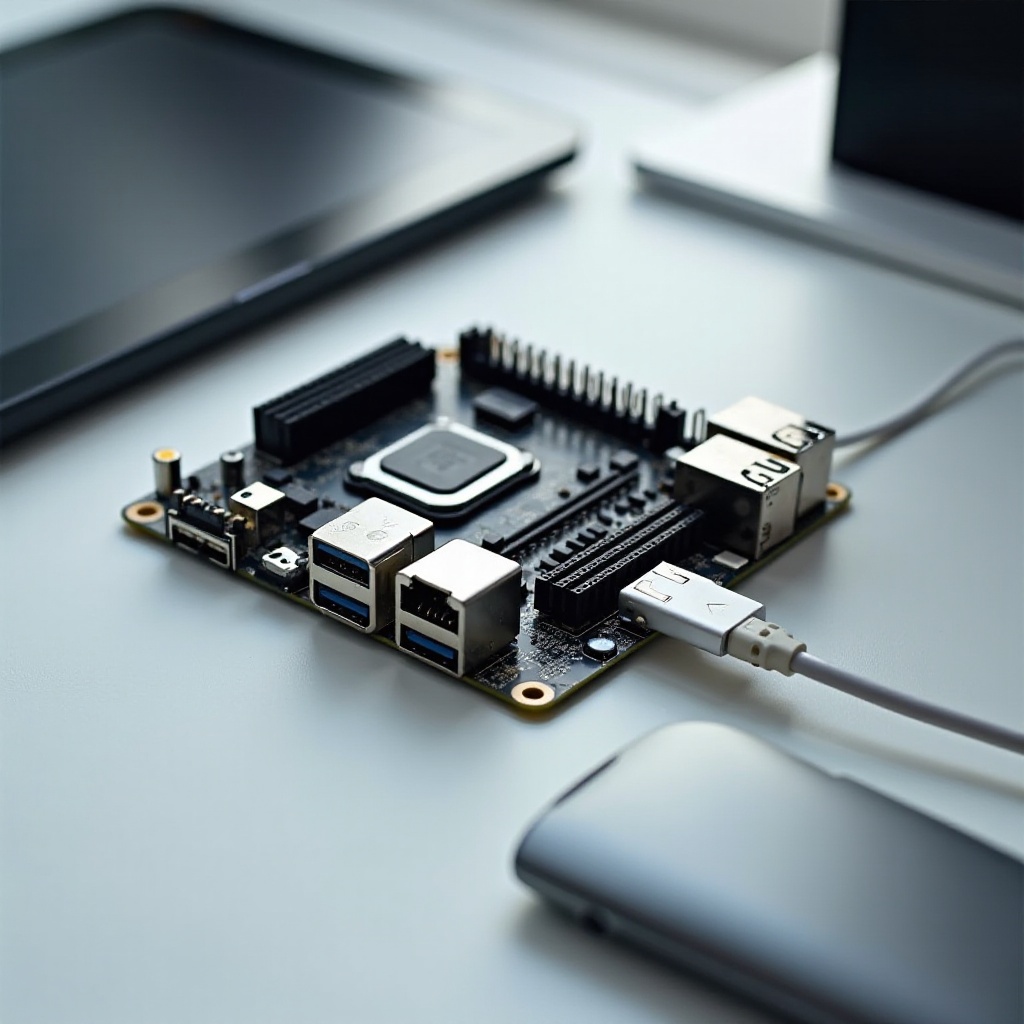
The year 2024 brings an array of impressive mini ITX motherboards equipped with Thunderbolt, each offering unique advantages:
ASUS ROG Strix Series
The ASUS ROG Strix series is known for its durable build and impressive power. It’s crafted to handle high-performance computing and gaming, with Thunderbolt support ensuring swift data transfers and versatile connectivity.
Gigabyte AORUS Lineup
Gigabyte’s AORUS series delivers premium features suited for gamers and tech enthusiasts. Thunderbolt enhances its already robust feature set with fast peripheral connectivity, superior graphics support, and seamless gaming performance.
MSI MPG Series
MSI’s MPG series offers a performance-optimized design, featuring excellent thermal solutions. Its Thunderbolt support allows for rapid charging and broad connectivity, targeting both gamers and professional users.
ASRock Phantom Gaming Series
ASRock’s Phantom Gaming series fits both gaming and professional needs with its strong build and fast connectivity options. Its Thunderbolt inclusion enables versatile system configurations and sustained high performance.
Building Your Compact PC with a Mini ITX Motherboard
Creating a compact yet powerful PC can be straightforward with the right components and assembly tips.
Selecting the Right Components
- CPU/GPU: Choose components that fit within the build’s power and space constraints. Consider heat generation and motherboard compatibility.
- RAM and Storage: Prioritize high-performance RAM and SSDs for speed and efficiency.
- Power Supply: Opt for a power supply that fits your case and sufficiently powers all components.
- Cooling Solutions: Ensure efficient cooling to combat the heat inherent in compact builds.
Assembly Tips and Best Practices
- Plan Your Build: Visualize your layout to avoid spatial conflicts.
- Cable Management: Keep cables tidy for better aesthetics and airflow.
- Test Components: Test components outside the case first to swiftly address any issues.
- Check Compatibility: Confirm all components are compatible to avoid system conflicts.
Common Challenges and Solutions
Building compact PCs can pose unique challenges. Here’s how to navigate them:
Managing Heat in Small Form Factors
To prevent overheating due to restricted airflow, employ quality cooling solutions like low-profile CPU coolers and additional case fans. Regularly clean dust filters for unobstructed airflow.
Ensuring Compatibility with Components
Space constraints can lead to compatibility issues. Verify specifications to ensure components fit and work together smoothly.
Conclusion
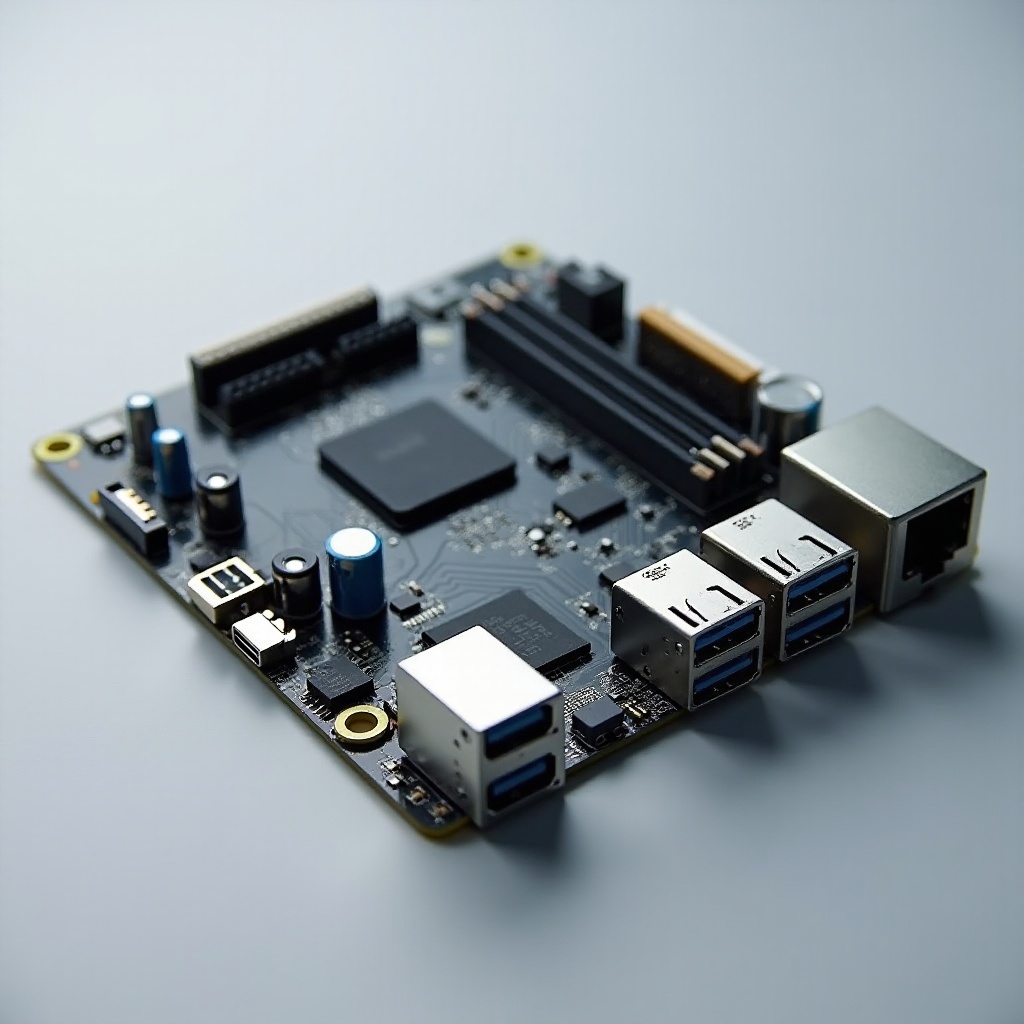
Mini ITX motherboards with Thunderbolt present an excellent choice for building a compact yet dynamic PC setup. By understanding their attributes and selecting suitable models and components, you can construct an efficient, space-saving, and versatile system. Perfect for gaming, creative projects, or home use, these motherboards offer a comprehensive foundation for any powerful compact build.
Frequently Asked Questions
Can I use a Mini ITX motherboard for gaming?
Absolutely! Mini ITX motherboards, especially those with Thunderbolt, can support powerful GPUs and CPUs for a stellar gaming experience.
How do I know if Thunderbolt is necessary for my needs?
If you need high-speed data transfer, connect multiple high-resolution displays, or require fast peripheral connections, Thunderbolt is beneficial.
What are the benefits of choosing a Thunderbolt port over USB-C?
While USB-C offers good speed, Thunderbolt provides faster data transfer, more power delivery, and the ability to chain multiple devices and displays.