Introduction
Owning a Yoton projector is both a convenience and a luxury, enhancing your viewing experiences. However, like any electronic device, it may sometimes fail to turn on, displaying a red light that leaves many users puzzled. The red light often signifies an alert to an underlying issue. While it might seem daunting, understanding and troubleshooting this red light can prevent damage and save you time.
This guide provides detailed steps to troubleshoot the red light issue effectively. By following these instructions for power or potential hardware problems, you will be better equipped to handle the red light alert on your Yoton projector. Let’s explore why this red light appears and how you can efficiently solve the problem.
Understanding the Red Light Indicator
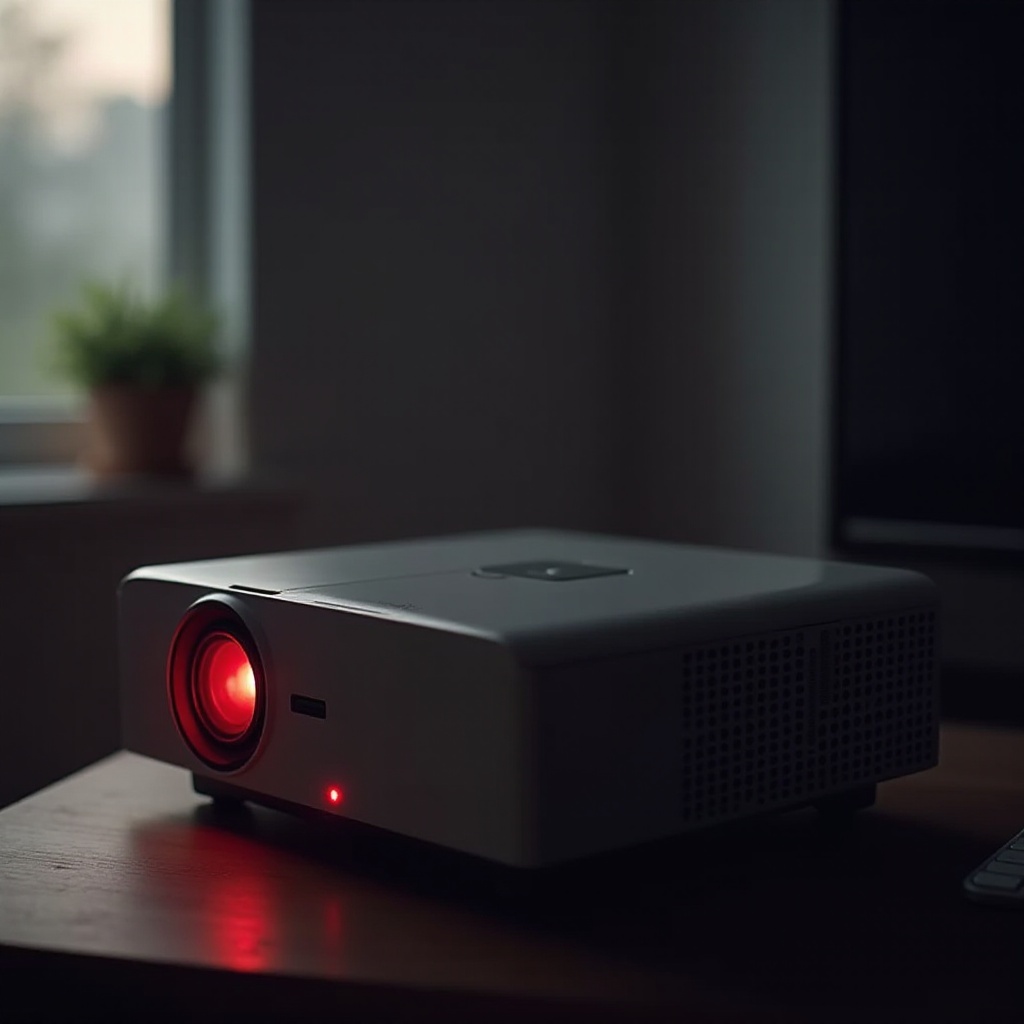
The Yoton projector includes a system of light indicators to communicate its status to users. The red light serves as a critical warning, indicating that something within the projector needs immediate attention. This light could be highlighting a variety of issues that range from minor hiccups to more serious conditions.
Red light alerts may be caused by:
- Power Problems: Situations like power interruptions can trigger the red light alert.
- Overheating: Excessive heating due to blocked vents can cause a red light warning.
- Hardware Failures: If components inside the projector malfunction, these could contribute to the red light problem.
Recognizing the implications of this indicator is crucial to efficiently resolving the issue. Having identified possible reasons, let’s proceed to implement some basic troubleshooting steps to resolve the red light problem.
Basic Troubleshooting Steps
Often, problems can be corrected with some straightforward troubleshooting. Let’s move through fundamental steps that could address the issue:
Checking Power Connections
- Inspect the Power Cord: Verify that the power cord is firmly connected to both the projector and the power outlet. Loose connections can lead to power failures.
- Check the Outlet: Connect another device to the outlet to ensure that it provides power. If not, test another outlet.
- Testing the Power Cable: Use a multimeter to verify that the power cable is delivering the correct voltage to the projector.
Inspecting Internal Components
- Examine Ventilation: Confirm that the projector’s vents are not obstructed by dust. Obstructed ventilation pathways can result in overheating and lead to a red light alert.
- Internal Dust Build-Up: If you’re comfortable handling your device, remove the projector’s casing and clean internal dust using compressed air. Avoid disturbing the wiring.
Resetting the Projector
- Power Cycle: Power off the projector, disconnect it from the power source, and let it stand for several minutes. Then reconnect and power it on to check if the issue resolves.
- Factory Reset: Follow instructions in your manual to perform a factory reset. This action can resolve software-related issues causing the red light.
Having addressed these steps, it becomes necessary to look into more sophisticated troubleshooting for persistent problems.
Advanced Troubleshooting Techniques
For issues that don’t resolve with basic fixes, advanced techniques may be needed:
Checking for Overheating
- Ambient Temperature: Ensure the projector resides in a well-ventilated, cool room. High temperatures can induce overheating.
- Fan Functionality: Listen for the projector fan noise. Lack of fan action can inhibit proper cooling functions.
- Thermal Paste Check: If you are capable, inspect the thermal paste condition between components. Replace any deteriorated thermal paste to enhance heat dispersion.
Analyzing Error Codes
- LED Blinking Patterns: Some Yoton models may present blinking patterns alongside the red light. Refer to the manual to comprehend these signals.
- On-Screen Messages: When possible, link your projector to a computer and check for any messages that appear on screen when attempting to power it.
Advanced troubleshooting can help pinpoint the deeper causes behind the red light. Persistent issues after these steps may indicate hardware components that necessitate further inspection or change.
Addressing Potential Hardware Issues
In cases where troubleshooting does not resolve the red light issue, you could be confronting hardware defects. Here’s what to review:
Power Supply Problems
- Faulty Power Supply Unit: Inspect the internal power supply for damages. Replace if there are any defective parts.
- Cable and Connector Inspection: Survey cables and connectors for wear or damage which could be disrupting power supply.
Lamp and Bulb Concerns
- Lamp Life: Check when the lamp last changed; an expired lamp could prompt red light warnings.
- Secure Fitting: Ensure the lamp is firmly placed within its fixture as loose fittings could cause dysfunction.
If the issue continues beyond this assessment, considering professional help would be prudent.
When to Seek Professional Help
If the projector remains non-functional even after extensive troubleshooting, professional assistance is advisable. Experts can carry out thorough diagnostics and repairs to safely fix the red light issue. Contact Yoton’s customer service or reach an authorized service center to prevent further complications.
Preventative Measures for Future Issues
To reduce recurrence of red light problems, implement these preventative actions:
- Regular Maintenance: Periodically clean the projector’s vents and interior to prevent dust build-up.
- Optimal Usage Conditions: Use the projector in a temperature-controlled environment to avoid excessive heat.
- Routine Inspections: Conduct regular checks on cables and power sources to detect problems early.
Applying these simple preventive measures safeguards your Yoton projector’s longevity and performance.
Conclusion
Resolving the red light on your Yoton projector requires a clear understanding and systematic troubleshooting steps. When necessary, do not hesitate to seek professional help to manage the situation safely. With preventative care and maintenance, you can enjoy unhindered viewing experiences and prolong your projector’s life. Now equipped with these solutions, tackle the red light challenge with confidence.
Frequently Asked Questions
What does the red light on my Yoton projector mean?
The red light may indicate power issues, overheating, or faulty internal hardware components.
How do I reset my Yoton projector?
To reset, simply turn off the projector, unplug it for a few minutes, then plug it back in. For a factory reset, consult the manual.
What should I do if troubleshooting doesn’t solve the issue?
Contact Yoton’s customer service or an authorized repair center for professional diagnostic and repair services.