Introduction
Choosing the ideal tablet for OneNote handwriting directly influences your efficiency and user experience. A suitable tablet integrates seamlessly with digital tools, making digital note-taking intuitive and efficient. Whether you are a student, a professional, or an artist, having a device that supports your writing needs can significantly improve your productivity. This guide explores critical features of a good tablet for OneNote and reviews 2024’s top options.
Why Tablet Choice Matters for OneNote Handwriting
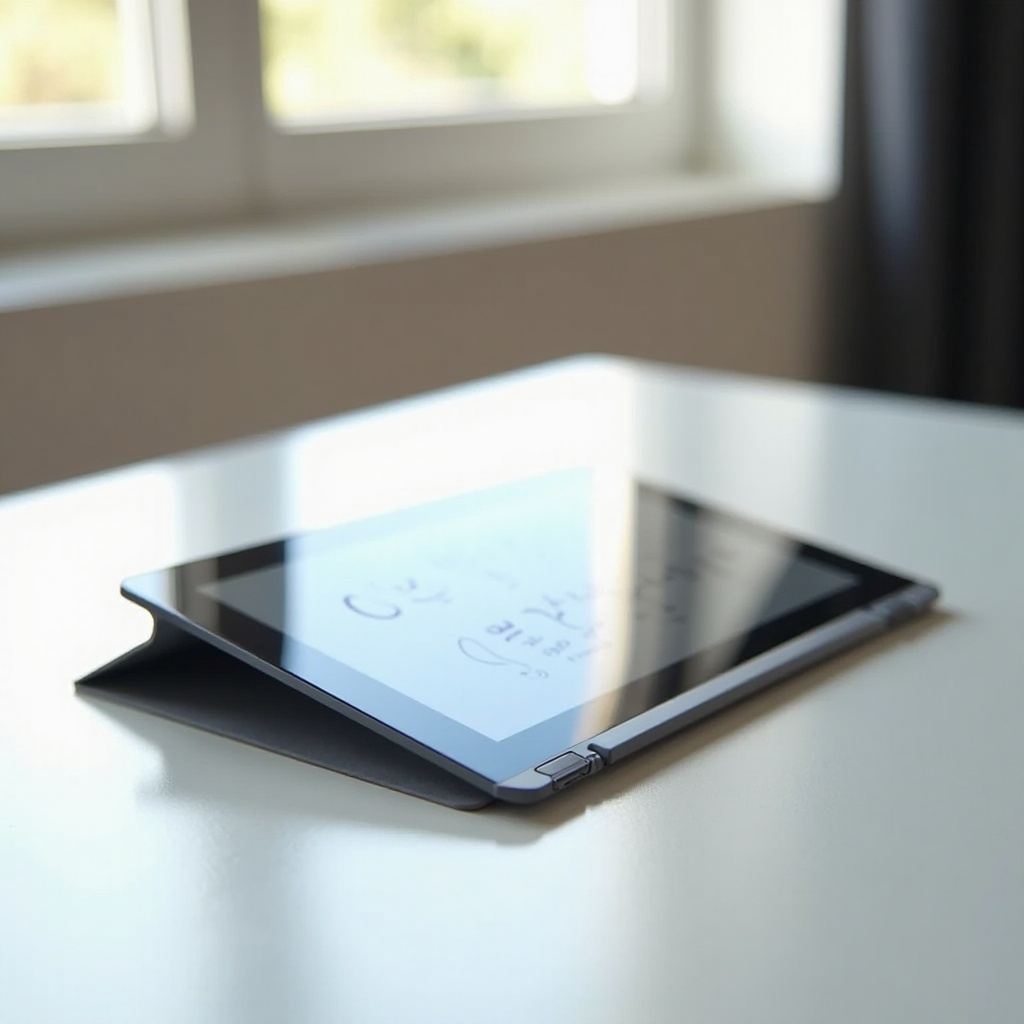
The choice of tablet can drastically affect how effectively you capture your thoughts and organize information. Tablets specifically designed for precision and ease alleviate common frustrations such as lag or inaccuracy. A device that simulates the feel of pen on paper makes digital handwriting natural and satisfying. By understanding these crucial factors, you can select a tablet that enhances your creative processes and daily workflow.
Key Features to Consider
When seeking the best tablet for OneNote handwriting, focus on the following features:
- Stylus Precision and Responsiveness: Essential for accurate and fluid handwriting, a good stylus enhances note-taking. Look for tablets supporting advanced stylus technologies like pressure sensitivity and palm rejection.
- Screen Quality and Size: A high-resolution display with ample screen space improves writing clarity and comfort, minimizing strain during extended use.
- Battery Life and Portability: Long battery life ensures readiness throughout your day, while lightweight designs enhance mobility, allowing you to write wherever inspiration strikes.
Understanding these features is crucial for anyone looking to enhance their OneNote experience.
Top Tablets for OneNote Handwriting in 2024
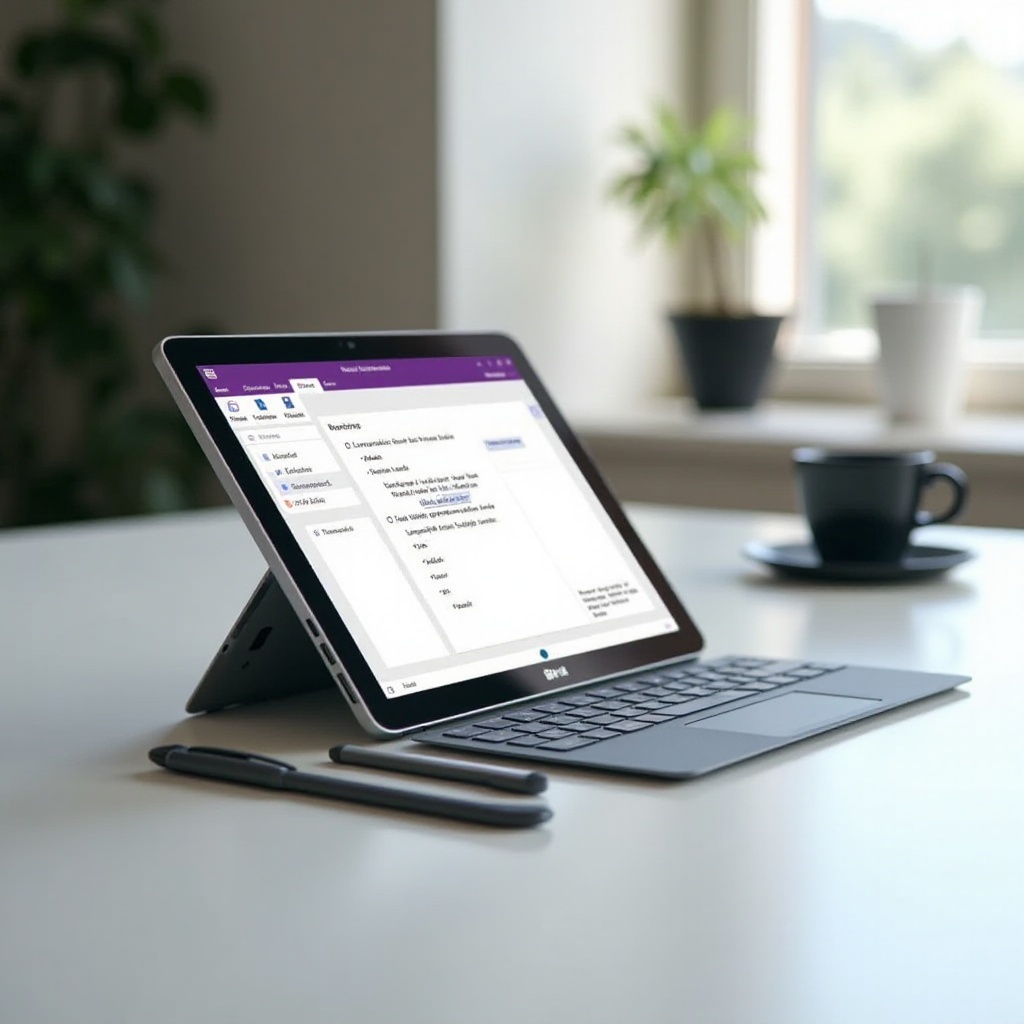
The year 2024 offers several standout tablets for exceptional performance with OneNote:
-
Apple iPad Pro with Apple Pencil: A powerhouse in processing and display quality, the iPad Pro combined with the Apple Pencil delivers unmatched precision, making it a top choice for digital note-takers.
-
Microsoft Surface Pro 9 with Surface Pen: Celebrated for its versatility, the Surface Pro 9 excels in handwriting capabilities and Windows app integration, ideal for professionals.
-
Samsung Galaxy Tab S8 with S Pen: Offering a blend of portability and advanced stylus features, the Galaxy Tab S8 is perfect for both personal and professional applications.
-
Lenovo Tab P11 Pro Gen 2: This budget-friendly yet sturdy tablet doesn’t sacrifice quality, providing a reliable performance and comfortable writing experience.
Each of these tablets is tailored to different priorities such as power, versatility, or affordability, ensuring you can find an option that aligns with your needs.
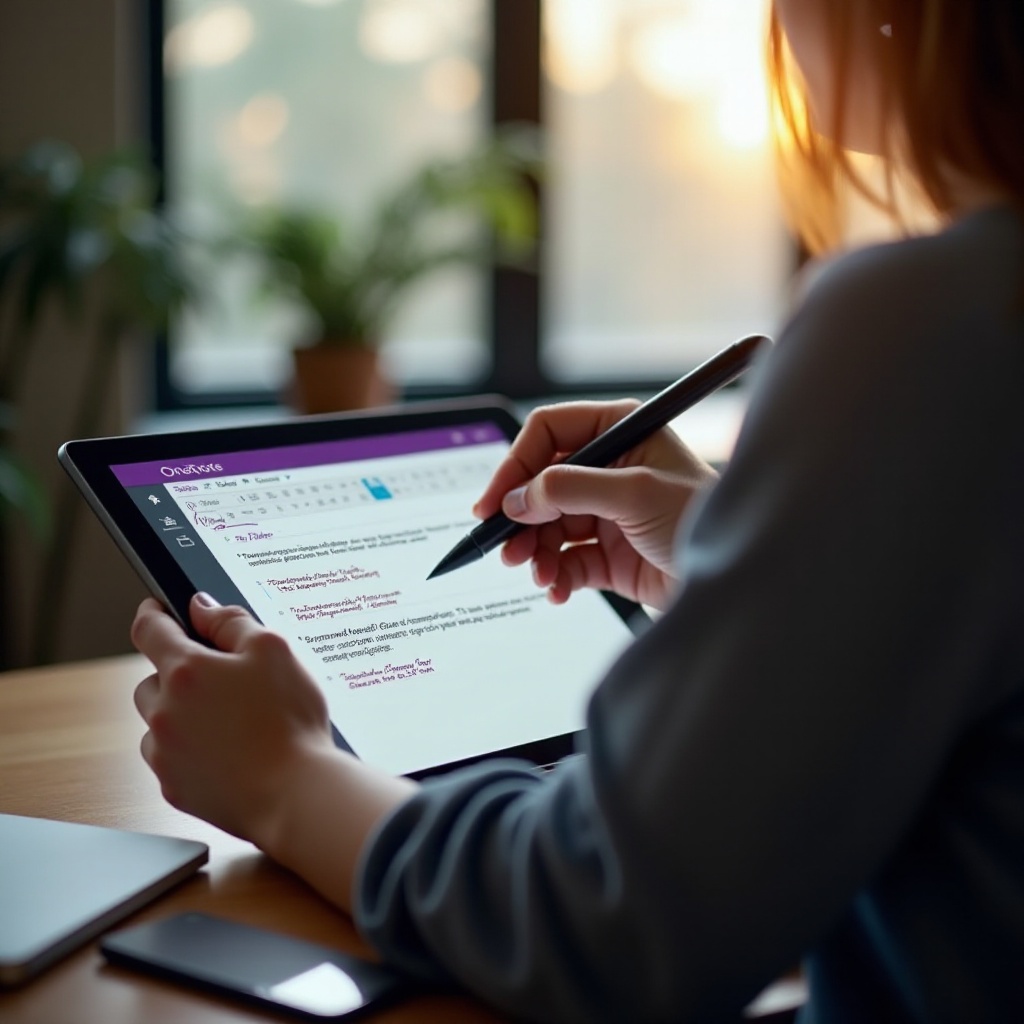
Stylus Options for Enhanced Handwriting
Stylus compatibility significantly shapes your handwriting experience in OneNote. Here are key features to consider:
- Pressure Sensitivity: Offers realistic writing, allowing line variation just like traditional tools.
- Palm Rejection Technology: Avoids accidental inputs by ignoring contact from your resting hand during writing.
Selecting the right stylus aligned with your preferences can elevate your digital writing and notetaking.
User Reviews and Experiences
User feedback consistently emphasizes how the right tablet can uplift the OneNote experience. Many users appreciate the ease brought by devices with superior stylus and display quality. For instance, students gain from the Microsoft Surface Pro 9’s multitasking abilities, while professionals often opt for the precision of the Apple iPad Pro in fast-paced environments. Analyzing such reviews can help predict how a tablet will fit into and improve your routine.
Conclusion
Finding the best tablet for OneNote handwriting is a personal journey dependent on your unique requirements. Emphasizing stylus precision, screen quality, and overall capability leads to a more satisfying digital note-taking experience. The highlighted tablets represent some of 2024’s best options, offering distinct features to fit a wide array of needs.
Frequently Asked Questions
Can OneNote be used offline on tablets?
Yes, OneNote allows offline access, enabling you to take notes without an internet connection. Once online, your notes will sync automatically.
Is pressure sensitivity important for handwriting in OneNote?
Absolutely. Pressure sensitivity provides a realistic writing experience, allowing for line thickness variation akin to traditional pen and paper.
How does OneNote perform on different operating systems?
OneNote works effectively across major operating systems like iOS, Android, and Windows. However, integration and feature availability may slightly vary, so choose an OS that best matches your needs.