Introduction
Accidentally knocking over a glass of water onto your keyboard can cause panic, but quick and informed actions can mitigate the damage. Water inside a keyboard can lead to electrical shorts, corrosion, and sticky keys, jeopardizing its functionality. However, taking immediate steps will help rescue your device. This guide outlines the necessary actions for saving your keyboard from potential ruin and provides preventive measures to avoid future incidents.

Understanding the Risk of Water Damage
Knowing how water plays a disruptive role in electronic devices is essential. It can penetrate the membrane, causing irreversible effects like:
- Electrical Shorts: Water can disrupt the electrical pathways by conducting unintended connections.
- Corrosion: Moisture accelerates metal decay, leading to performance degradation over time.
- Sticky or Unresponsive Keys: Residual liquids can cause keys to stick, affecting typing performance.
Keyboards vary in their susceptibility to water damage. Mechanical keyboards might offer slightly more resilience compared to membrane ones. Understanding these vulnerabilities helps in deciding the course of action should a spill occur.
Immediate Steps to Take After Spilling Water
Time is of the essence when it comes to dealing with spills. Follow these immediate steps:
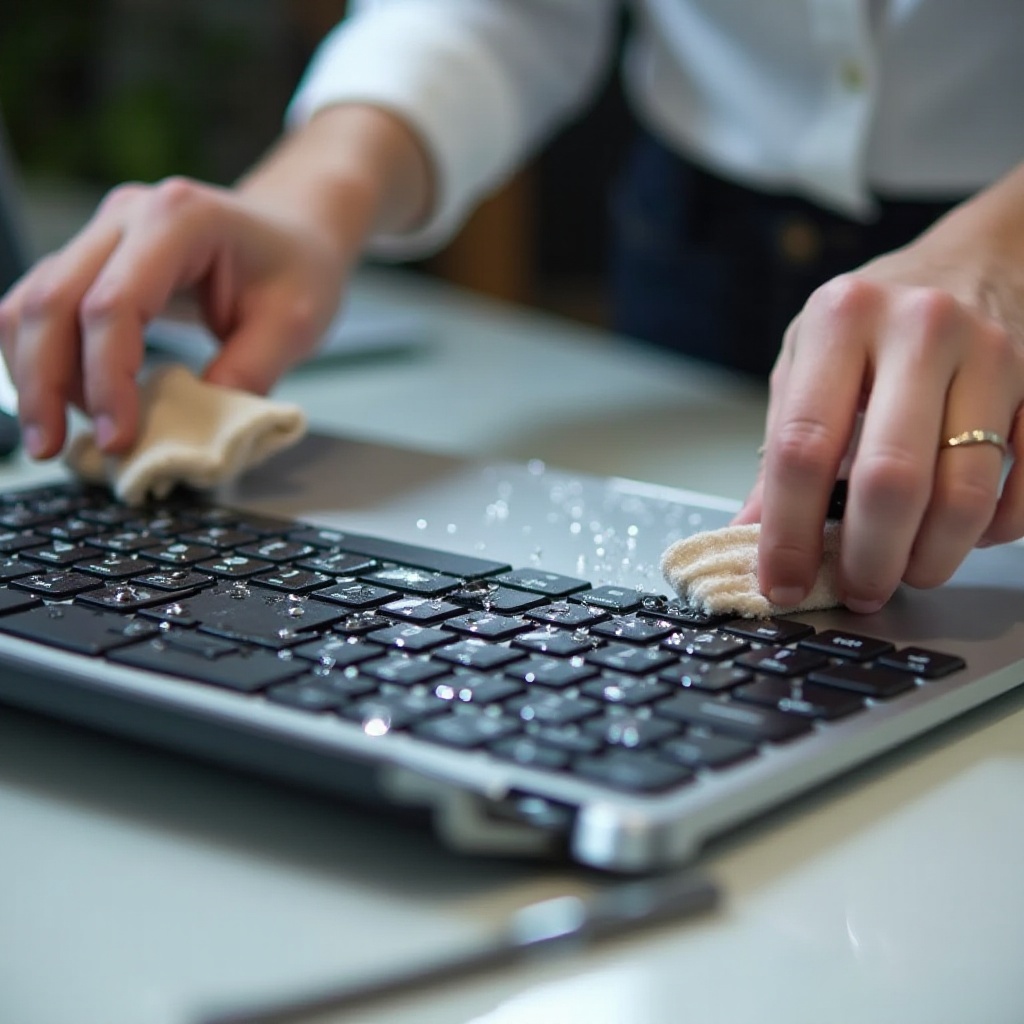
- Unplug: Disconnect your keyboard from your computer and power source to prevent electrical damage.
- Drain: Carefully flip the keyboard upside down to allow water to escape from the crevices.
- Blot: Use absorbent materials like cloth or paper towels to soak up any visible water.
- Avoid Heat: Do not use hairdryers or heaters, as excessive heat may damage components further.
Once you have mitigated the immediate risks, the focus should shift to thorough drying techniques.
Effective Drying Techniques
To ensure all moisture is removed, adopt these drying strategies:
- Air Drying: Leave the keyboard in an inverted ‘V’ position to maximize air circulation.
- Fans: Employ fans to increase airflow around and within the keyboard.
- Desiccants: Use silica gel packs, placing them near or around the keyboard to speed up drying.
Give the keyboard adequate time to dry thoroughly before reconnecting it to any power source. This step is critical to prevent any hidden moisture from causing long-term damage.
Cleaning and Restoring Functionality
Once drying is complete, the next step is cleaning and testing the keyboard’s functionality:
- Surface Cleaning: Wipe the keyboard’s surface gently with a microfiber cloth dipped in diluted isopropyl alcohol to remove any grime or stickiness.
- Internal Cleaning: If possible, remove the keycaps to clean the area underneath with cotton swabs.
- Testing: After thoroughly drying and cleaning, plug the keyboard back in to test each key’s responsiveness.
Should any keys malfunction despite these steps, repair might be necessary.
DIY Repair vs. Professional Help
There are instances where a DIY approach might suffice, but knowing when to reach out for professional assistance is equally important.
- DIY Repairs: If you are handy with minor repairs, you might try reconnections or switch replacements based on tutorial guidance.
- Professional Services: For severe issues such as non-responsive circuitry or extensive internal water damage, professional repair services should be sought to prevent further harm.
Analyzing the damage extent will guide your decision on whether to repair or replace.
Preventative Measures for Future Spills
To avoid recurring nightmares from water spills, consider these preventive strategies:
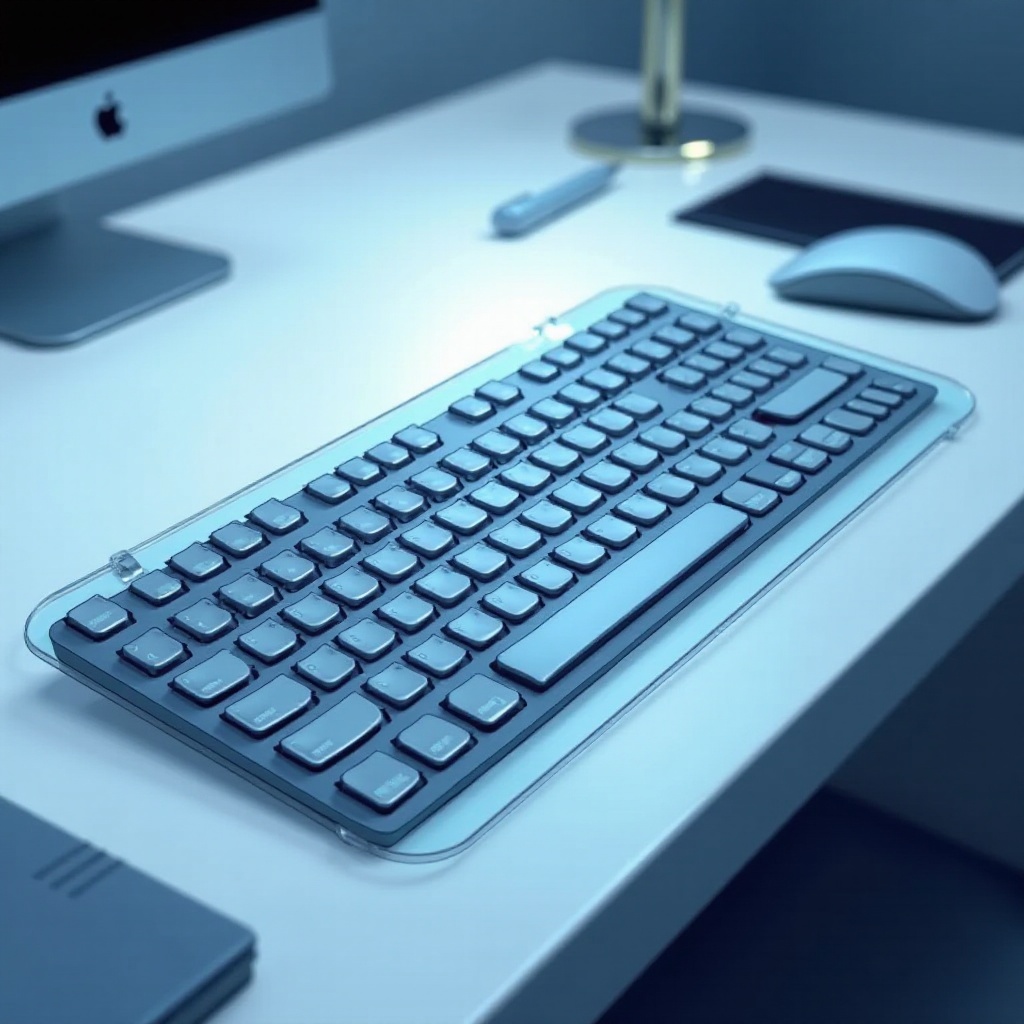
- Protective Covers: Invest in protective covers designed specifically for keyboards to guard against accidental spills.
- Safe Zone: Maintain a designated and separated space for drinks, far from any electronics.
- Regular Maintenance: Perform regular cleanings to keep the keyboard in optimal condition and free from lingering residue that might attract moisture.
These steps can greatly minimize the risk of future spills, safeguarding your equipment and ensuring longevity.
Conclusion
Acting promptly and utilizing the right methods can substantially save a water-damaged keyboard from destruction. With effective immediate actions, proper drying techniques, and a mix of DIY and professional repair options, you can restore your keyboard efficiently. Future-proof your setup by employing robust preventative measures, ensuring a spill-free work environment.
Frequently Asked Questions
What should I do immediately after spilling water on my keyboard?
Unplug the keyboard, turn it upside down to drain the water, and blot with a cloth.
How long should I wait before using my keyboard again after a spill?
Wait at least 24-48 hours to ensure the keyboard is completely dry.
Can a water-damaged keyboard always be repaired?
Not always. Severe damage may require replacement, but minor issues can sometimes be fixed.